01 Start Here
Welcome. This is your starting point for the course.
Take a few minutes to understand how the course is structured and how to get the most value from it. Doing this now will save you time and frustration later.
Course Organization
Keep these tips in mind as you work through the course.
- This course builds skills in layers and is designed to be taken in order. Avoid skipping lessons or jumping ahead.
- The course is organized into sections, each of which may contain multiple lessons. You can view and navigate the full structure using the panel on the left side of the screen.
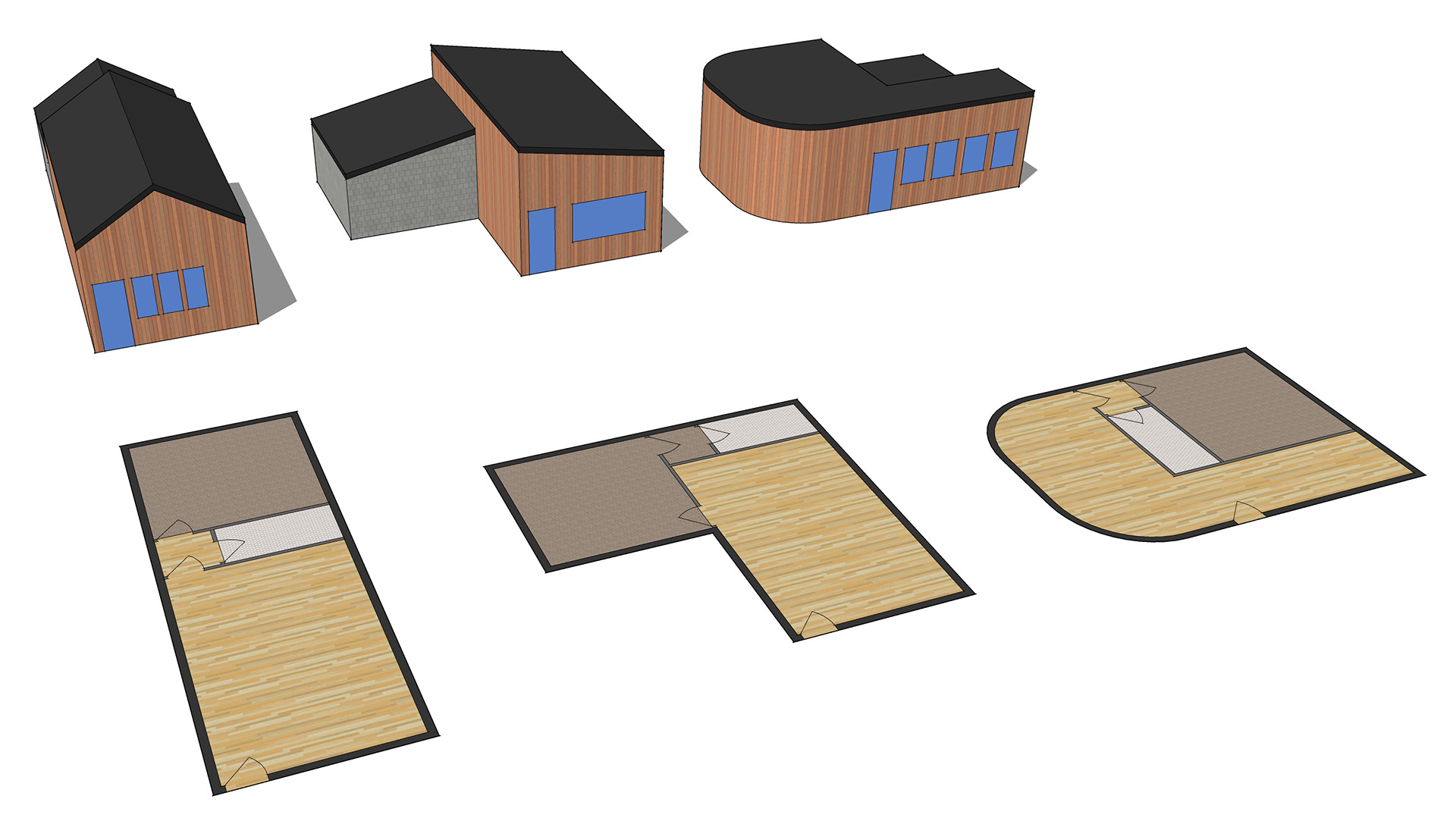
- You will learn individual skills and then apply them in a realistic context by working through an Accessory Dwelling Unit (ADU) project.
- Practice assignments provide focused exercises that isolate core skills and help build muscle memory.
Lesson Pages
Each lesson page includes written explanations, images, animated GIFs, and tutorial videos.
Keep these points in mind while working through lessons.
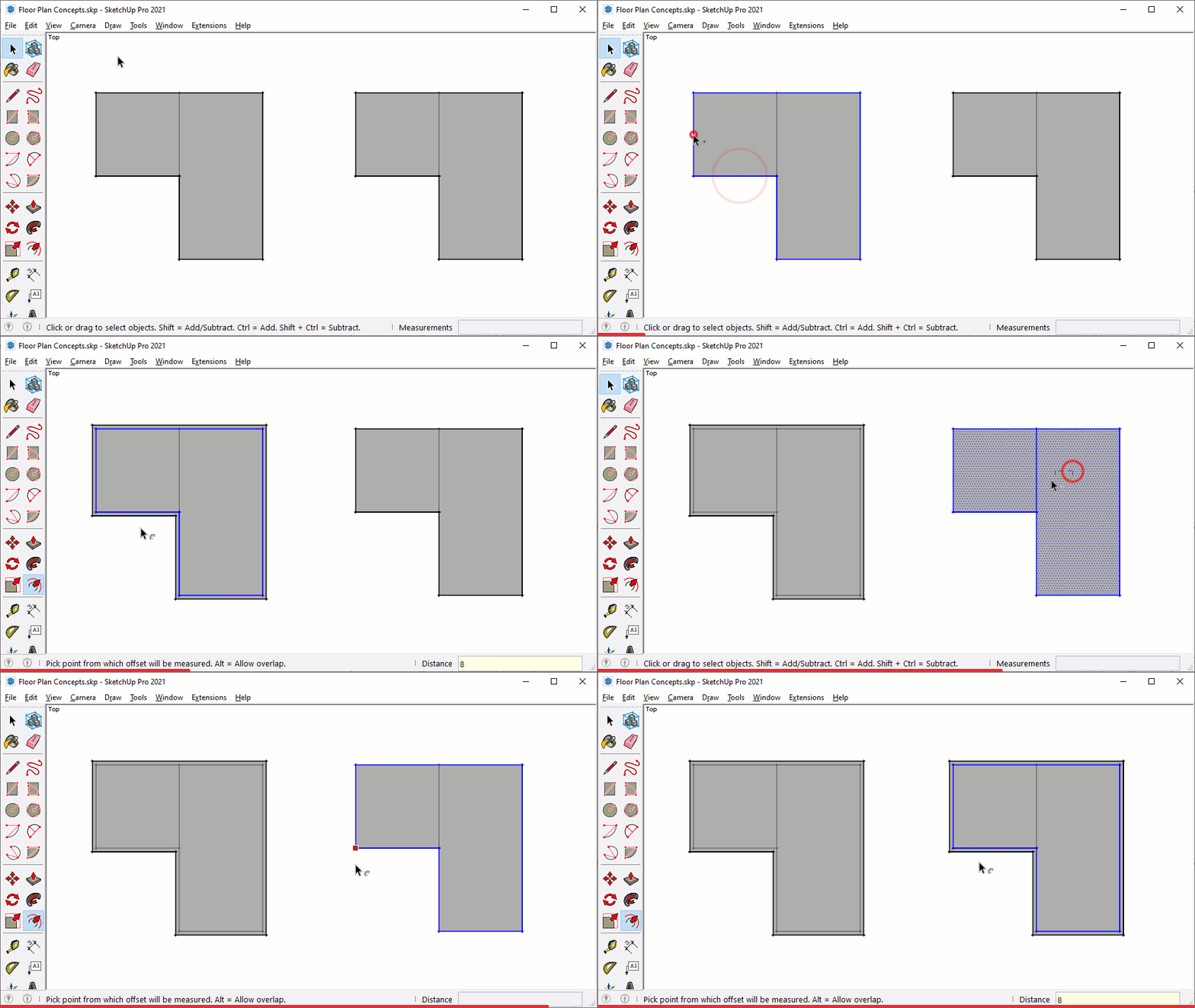 Lesson pages introduce the concepts that are demonstrated in the guided tutorial videos at the bottom of the page.
- Read the entire lesson before starting the tutorials.
- Text is supported by images and animated GIFs. Many of these can be enlarged by clicking on them.
- Click the GIF to the right to try it yourself. Press Escape to exit.
- GIFs are easiest to follow when viewed from the beginning. Watch the red progress bar at the bottom to track playback.
Watch for prompts to dig deeper into The SketchUp Workflow for Architecture. These callouts explore ideas in more detail and from a different perspective. The book is strongly recommended as a companion to this course and desktop manual.

Heads Up! callouts highlight common mistakes and help keep you out of trouble.
Demonstration SketchUp (.skp) and LayOut (.layout) files are often required to follow along. These files are always available directly above the video tutorials.
Watching tutorial videos on a second screen is strongly recommended. Once a video is playing, keep these controls in mind.
- Space bar pauses and plays the video
- Clicking on the video pauses and plays
- Left and right arrow keys jump backward and forward
- Up and down arrow keys control volume
- Double click to view full screen. Press Escape to exit
Phone and tablet screens are too small to clearly see what is happening. Using a laptop or second monitor works well.
5 Core Concepts of SketchUp
There are five core concepts that make SketchUp different from other 3D modeling programs. Understanding these behaviors will help you work with SketchUp instead of fighting it.
Surface Modeler
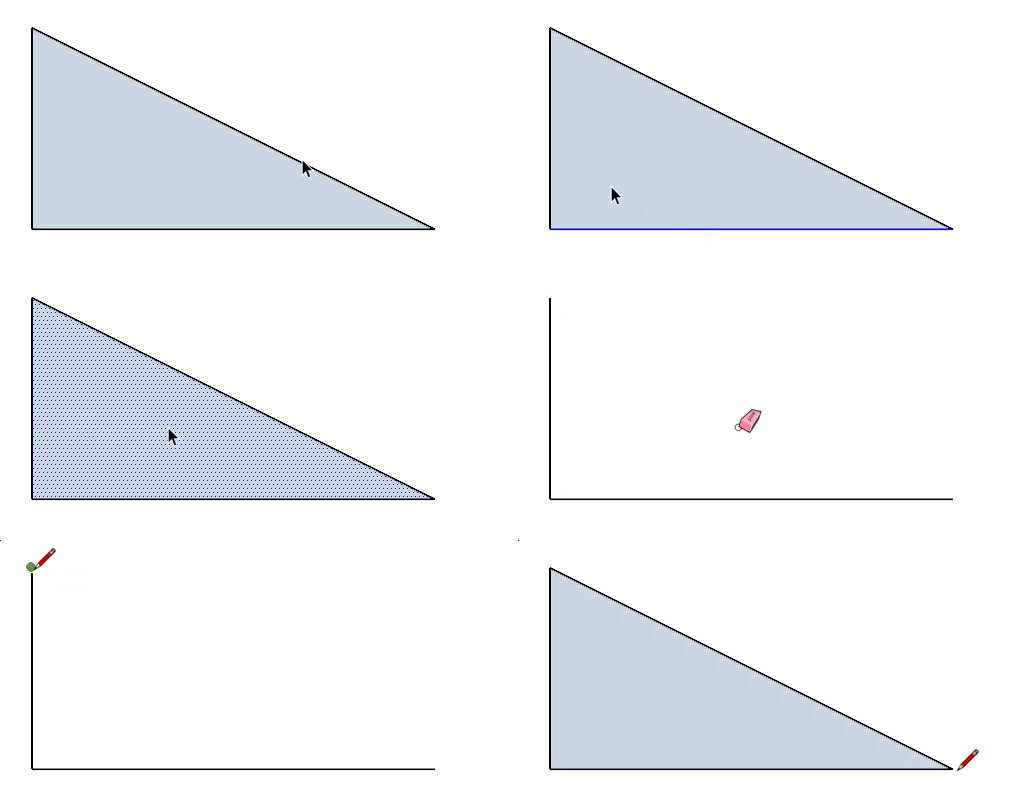
SketchUp is a surface modeler, which sets it apart from most other 3D modeling tools.
Everything in SketchUp is made of edges and surfaces. These are the basic building blocks of all geometry.
A surface cannot exist without a closed loop of coplanar edges. The simplest possible surface is a triangle.
Segmented Curves
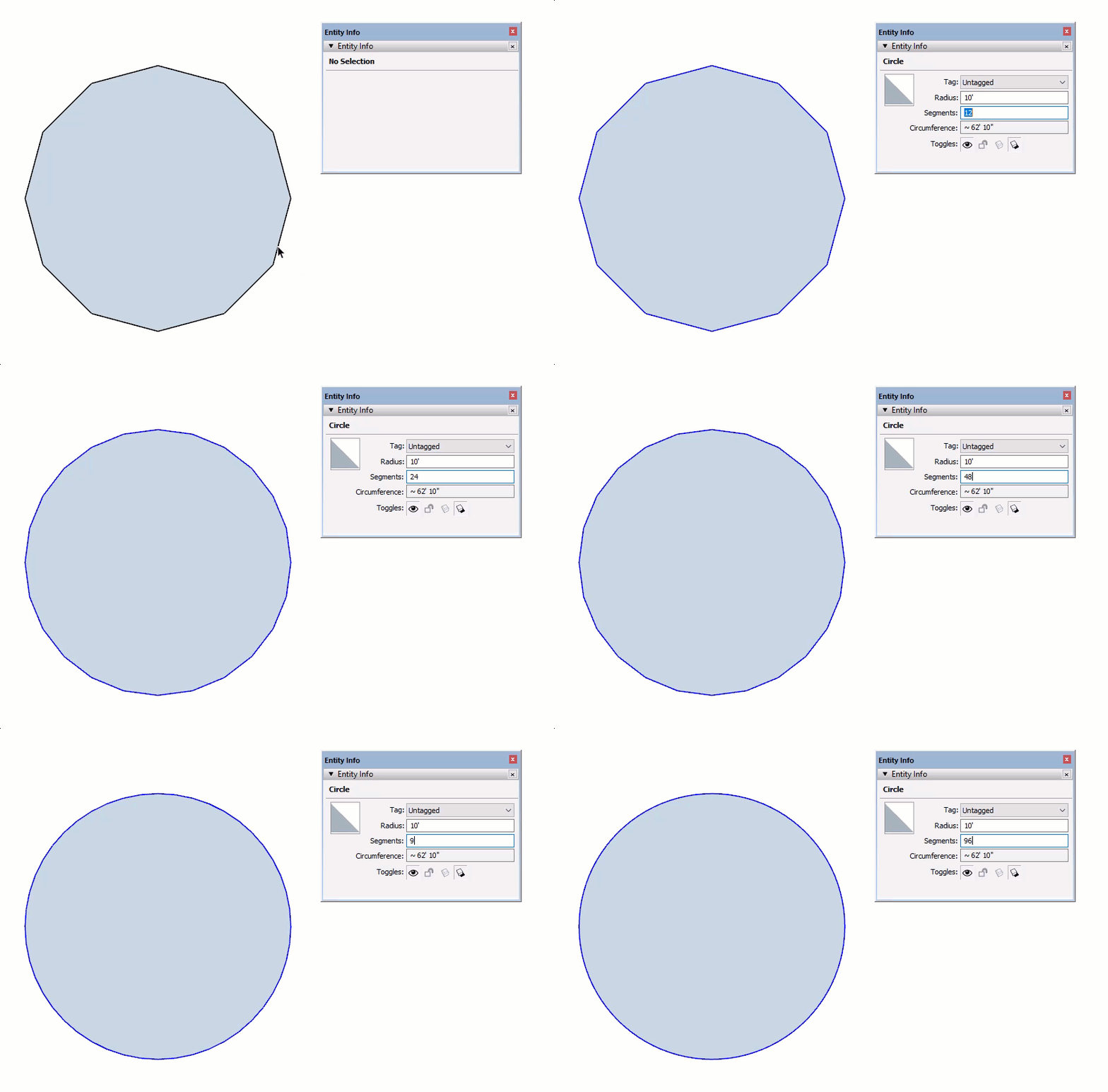
SketchUp does not create true vector curves, arcs, or circles.
Curves and circles are represented by a series of small straight edges. Increasing the number of segments creates smoother curves but also adds more geometry, which increases file size.
In many cases, the visual difference between 48 segments and 96 segments is minimal.
Stickiness of Geometry
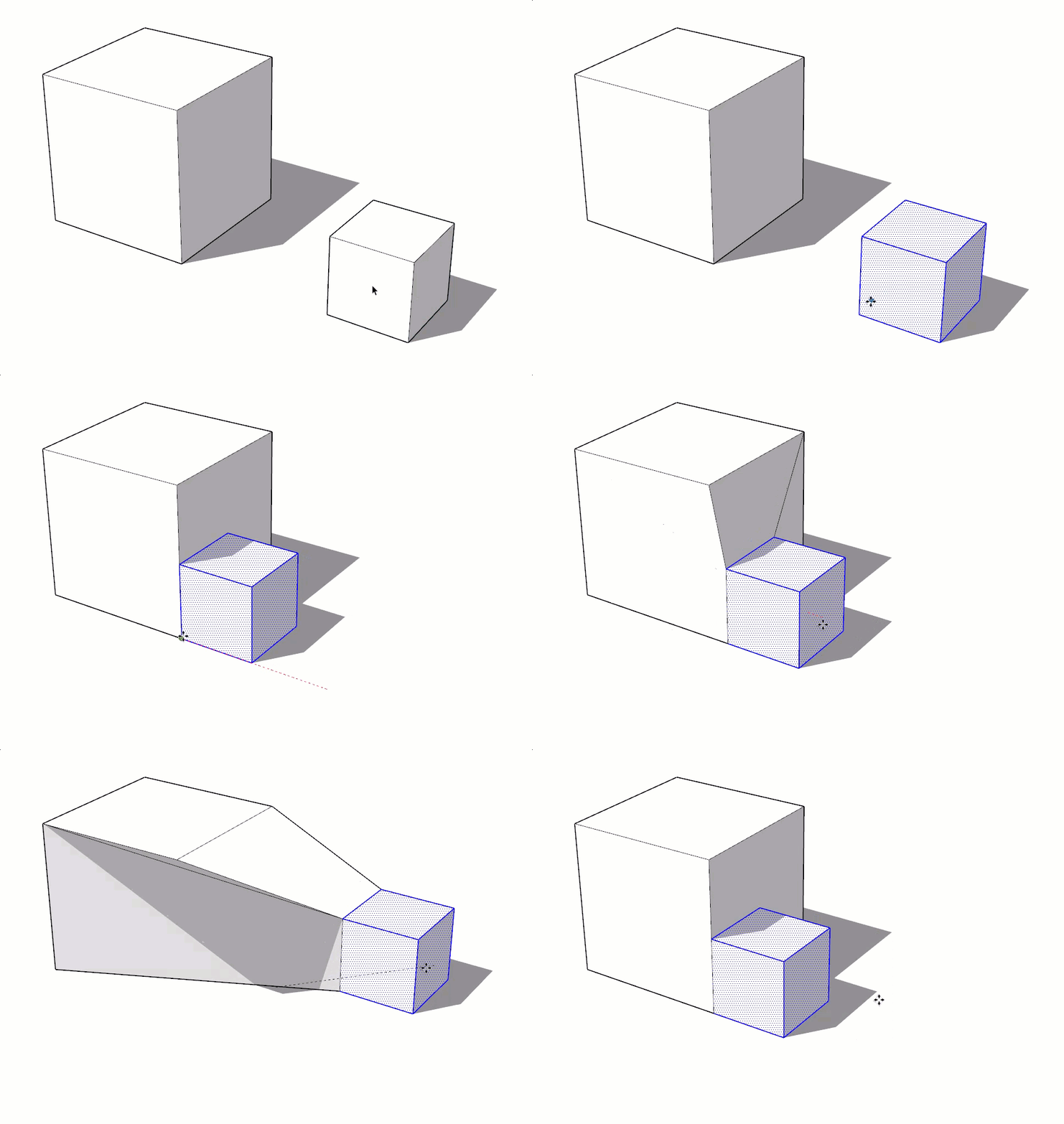
SketchUp geometry has a tendency to stick together. This behavior is known as the stickiness of geometry.
Connected surfaces move together. Connected endpoints move together and stretch their associated edges.
This can feel frustrating at first. Once you learn how to control this behavior using containers, it becomes one of SketchUp’s biggest strengths and speeds up the modeling process.
Later in the course, you will learn how to manage stickiness using groups and components.
Stacking Geometry
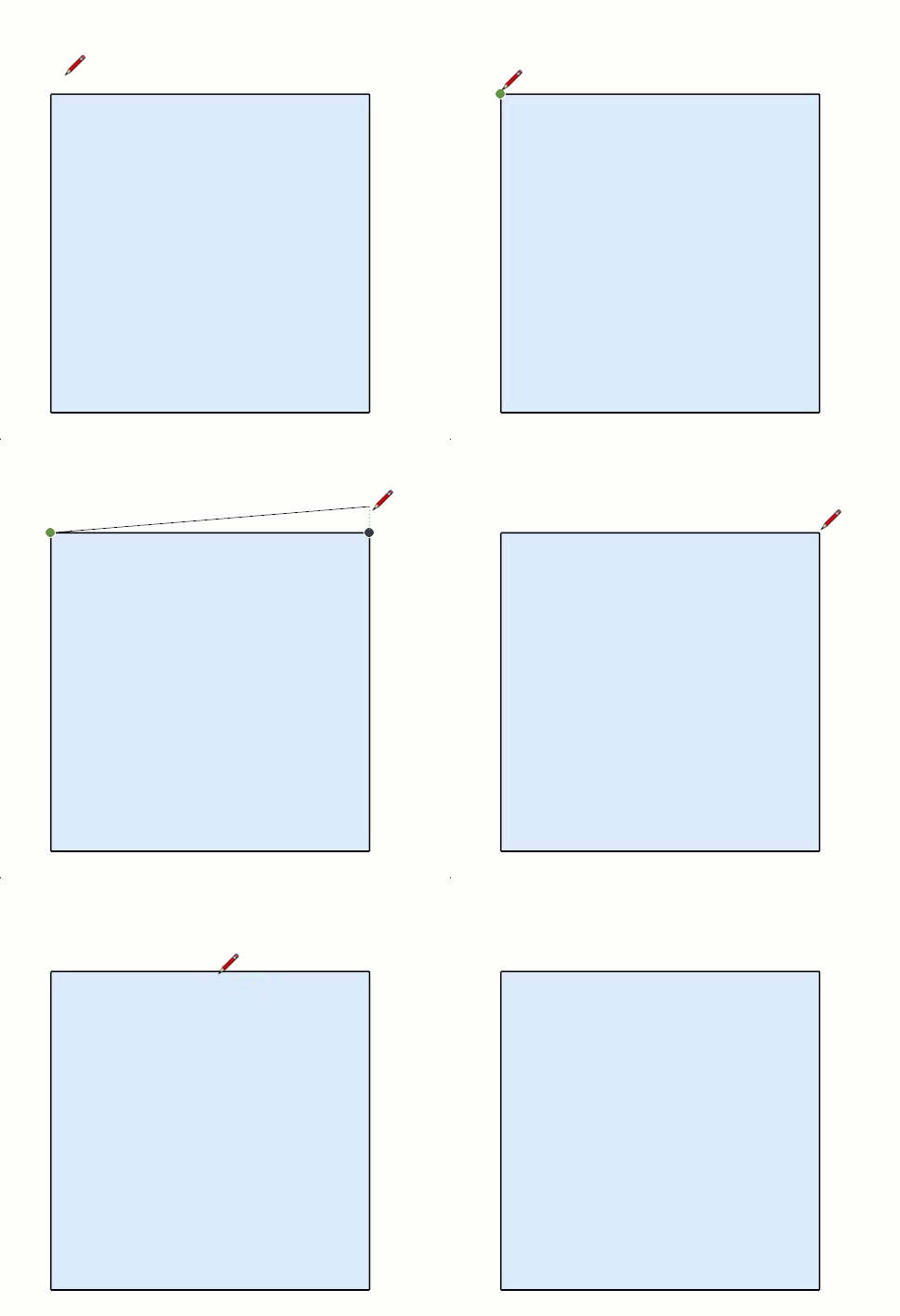
Geometry does not stack in SketchUp.
Only one edge or surface can exist between the same set of points. When multiple edges are drawn on top of each other, they merge into a single edge.
If a new edge intersects or overlaps an existing edge, the original edge is split into two segments.
Inference Engine
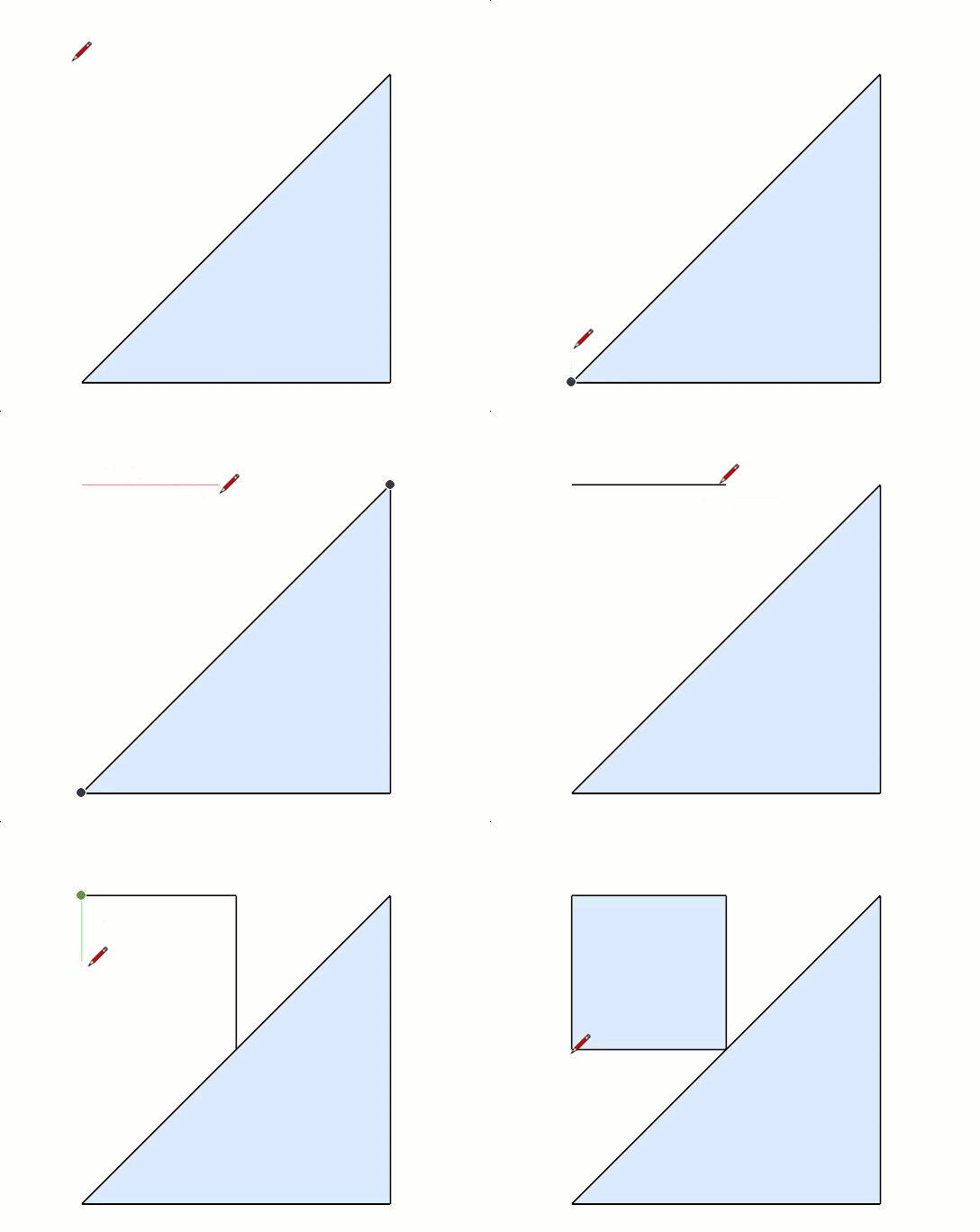
The inference engine is the brain of SketchUp. It is always working in the background.
It assumes meaningful relationships between points, edges, and surfaces.
You cannot turn the inference engine off, but you can guide it through intentional modeling and the power of suggestion.
Instruction
No class files are needed to follow along.