01 Styles
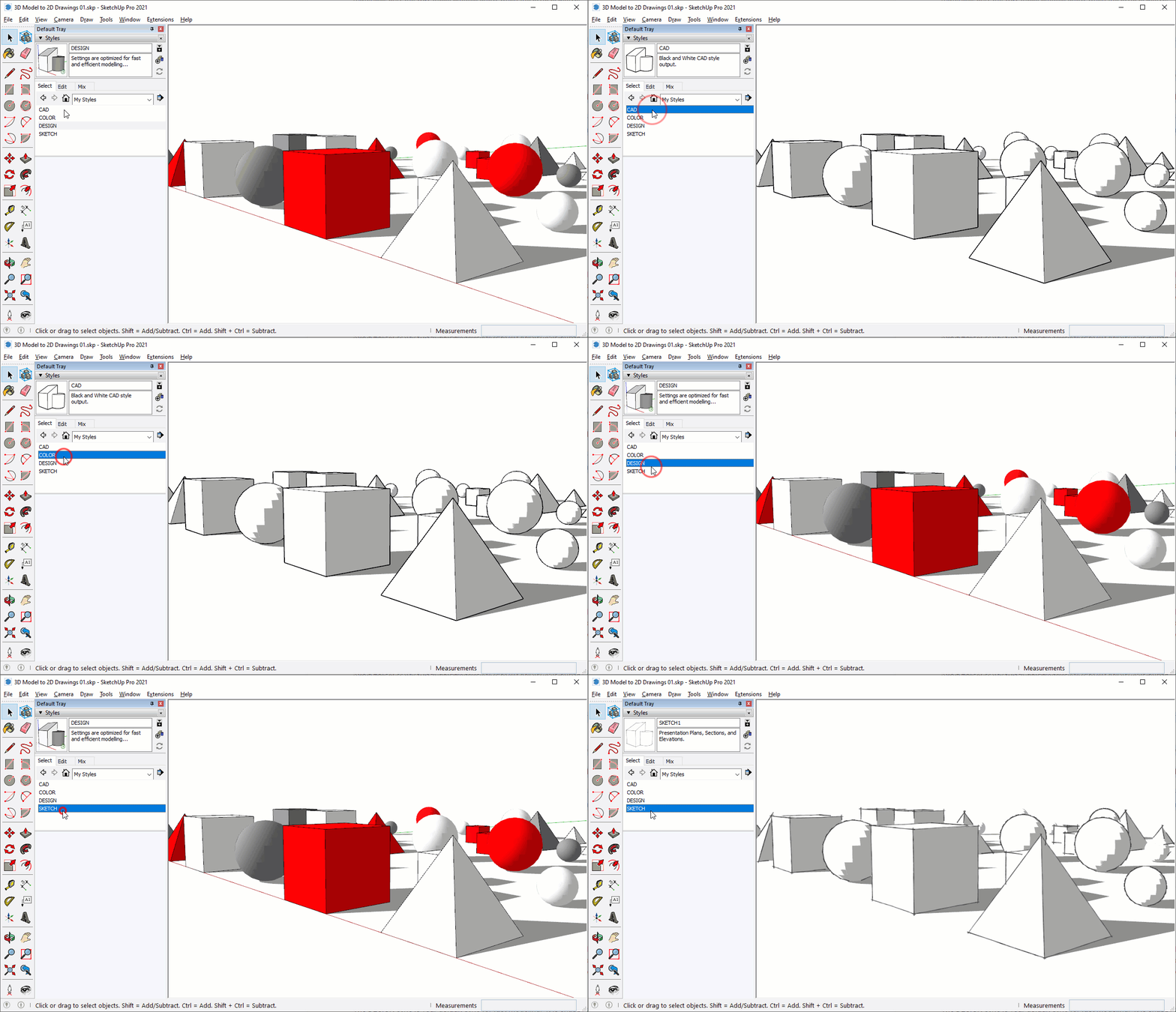
Styles are managed in the Styles browser. Here's a few tips for working with styles...
- Click on the dropdown to open a style library
- Click on a style to make it active
- Click on the "In Model" house icon to see the styles that have been used in your model.
- Click on the context arrow to manage collections and change the view options, I prefer list.
- Click the plus sign to add a new style, which makes a copy of the active style
- Click the "Update Style with Changes" button to save edits to the current style.
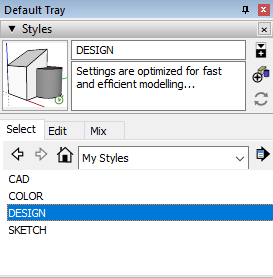
Heads Up! Every time you click on a new style it is added to your model, and will continue to travel with your model. This can increase file size. Click on the context arrow and choose "Purge" to delete all styles that are not in use, or saved with a scene.
DESIGN Style
The DESIGN style is your default style for fast modeling. It is snappy and light-weight, perfect for production modeling because all of the bells and whistles are turned off. Below are the settings for the DESIGN style.
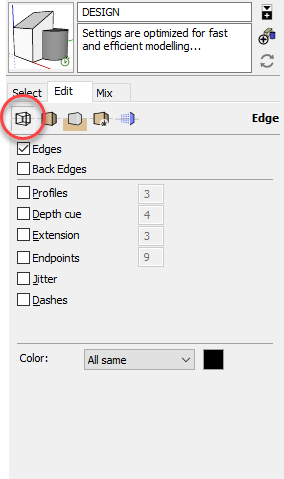
Click the arrows to toggle through the Style Edit sub-tabs...
CAD Style
Black and white architectural drawings are still industry standard. The CAD style replicates clean, professional, CAD style output from SketchUp. Below are the settings for the CAD style.
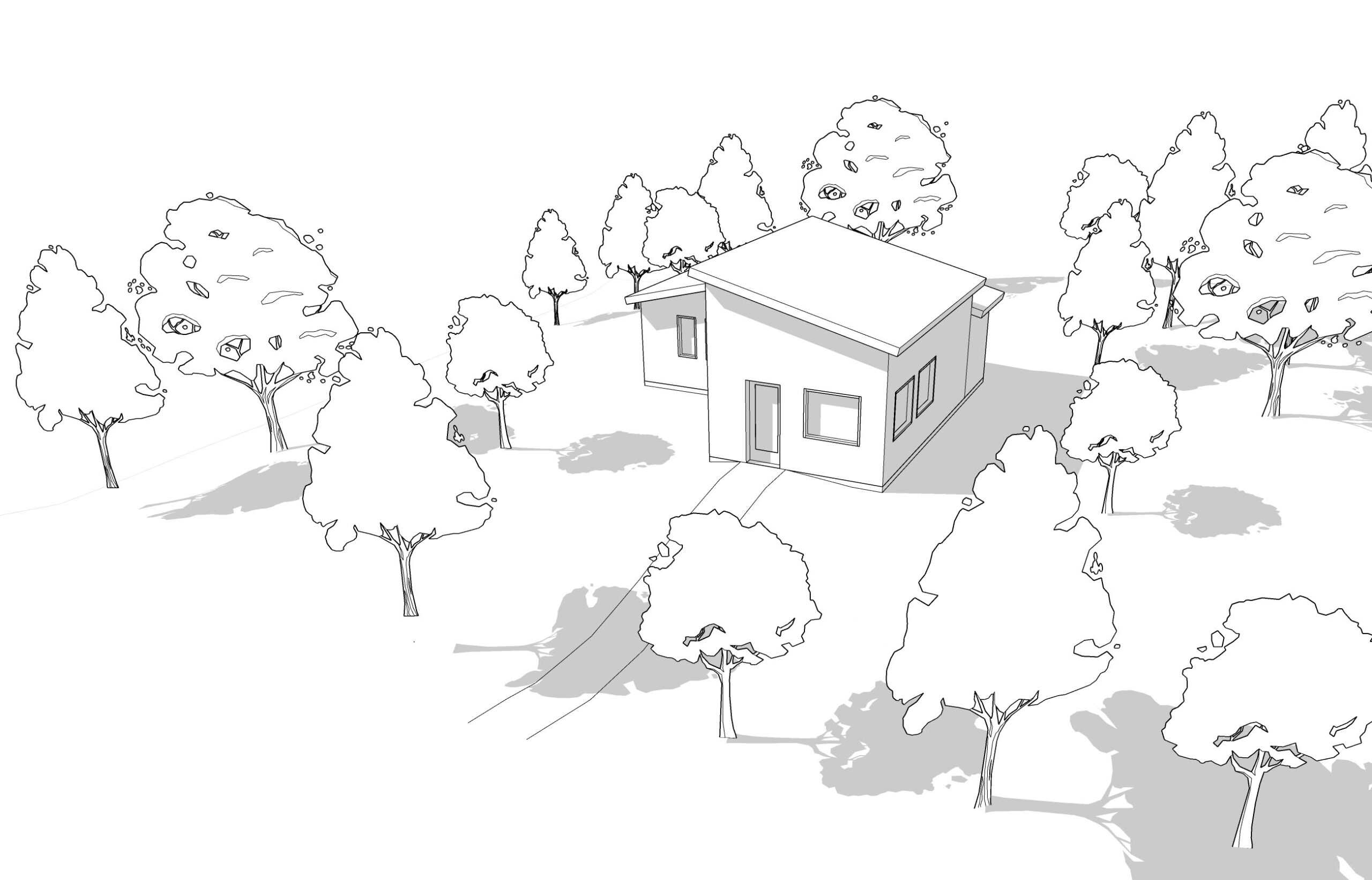
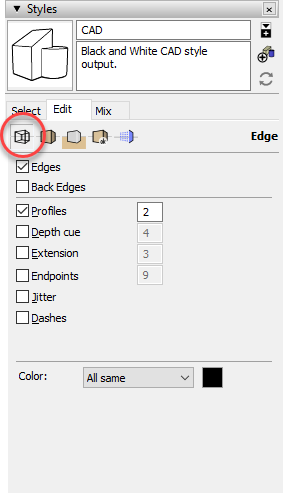
Click the arrows to toggle through the Style Edit sub-tabs...
COLOR Style
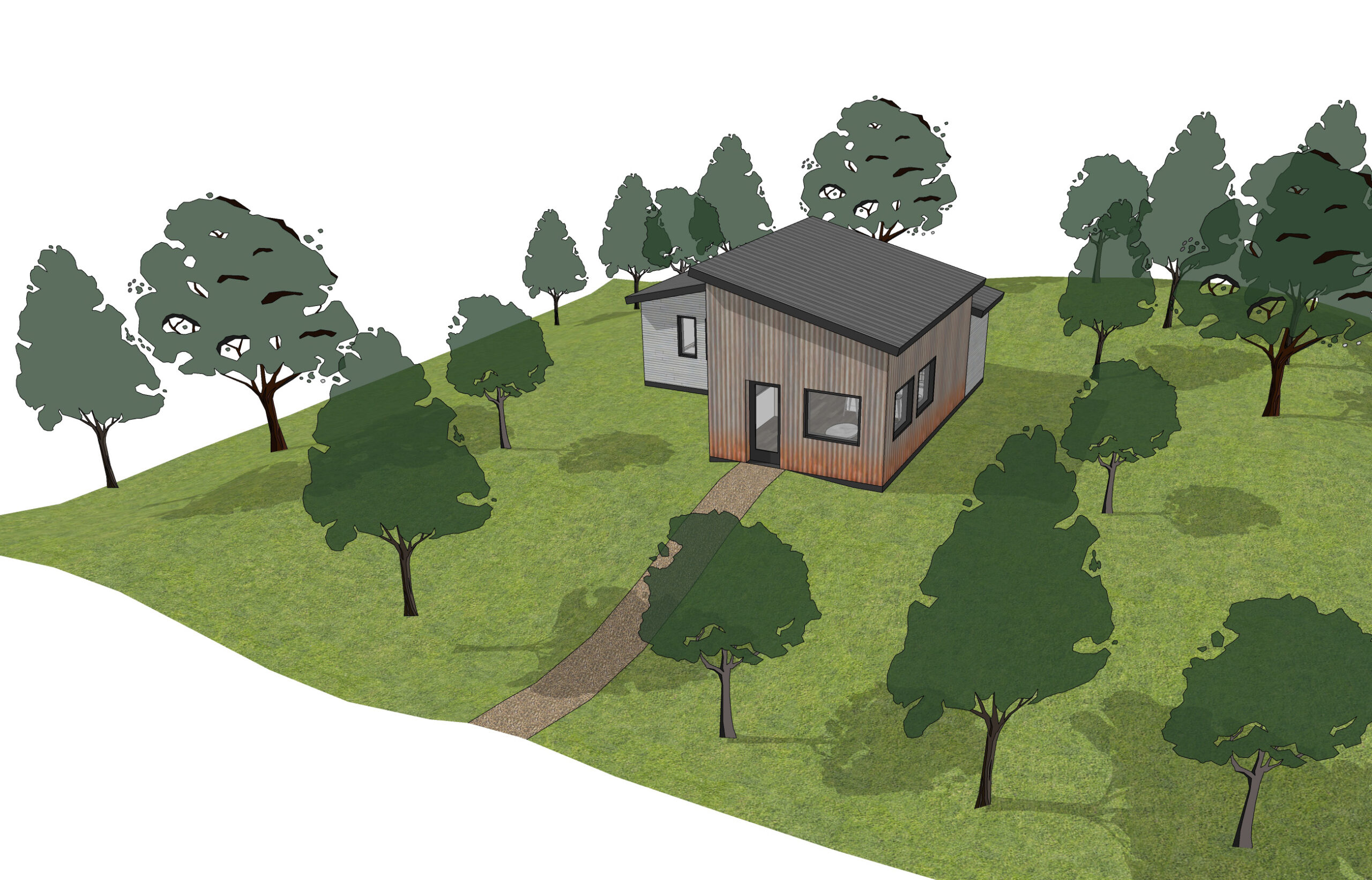
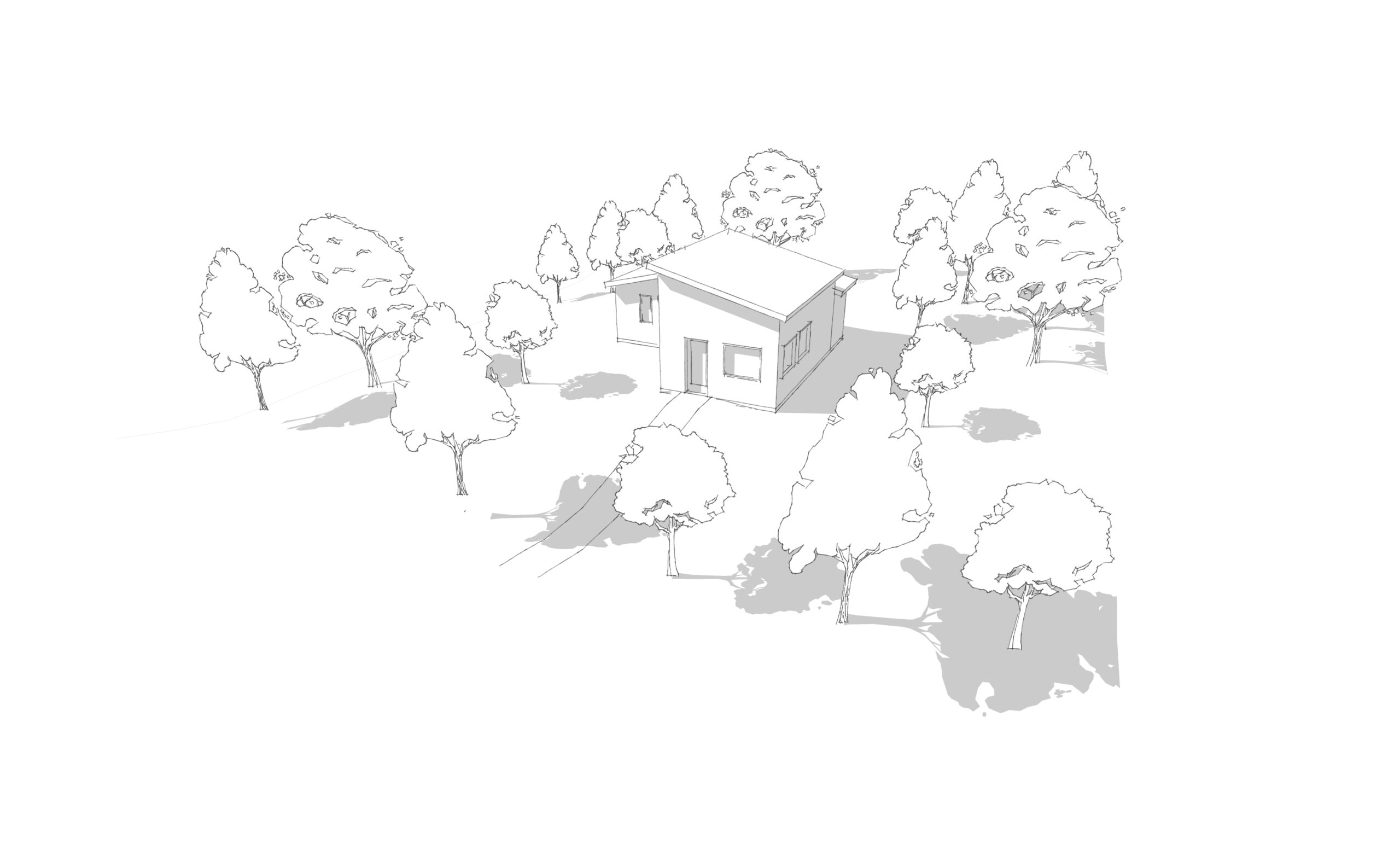
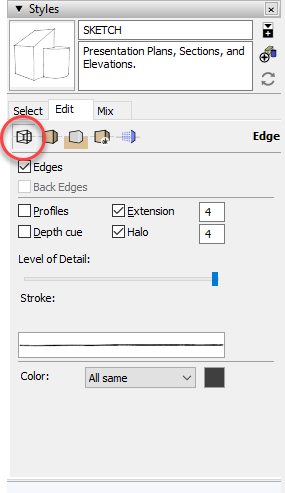
The SKETCH style is used to soften hard line computer edges into imperfect strokes. This style shows well when your model is in the early stages of design. Below are the settings for the SKETCH style.
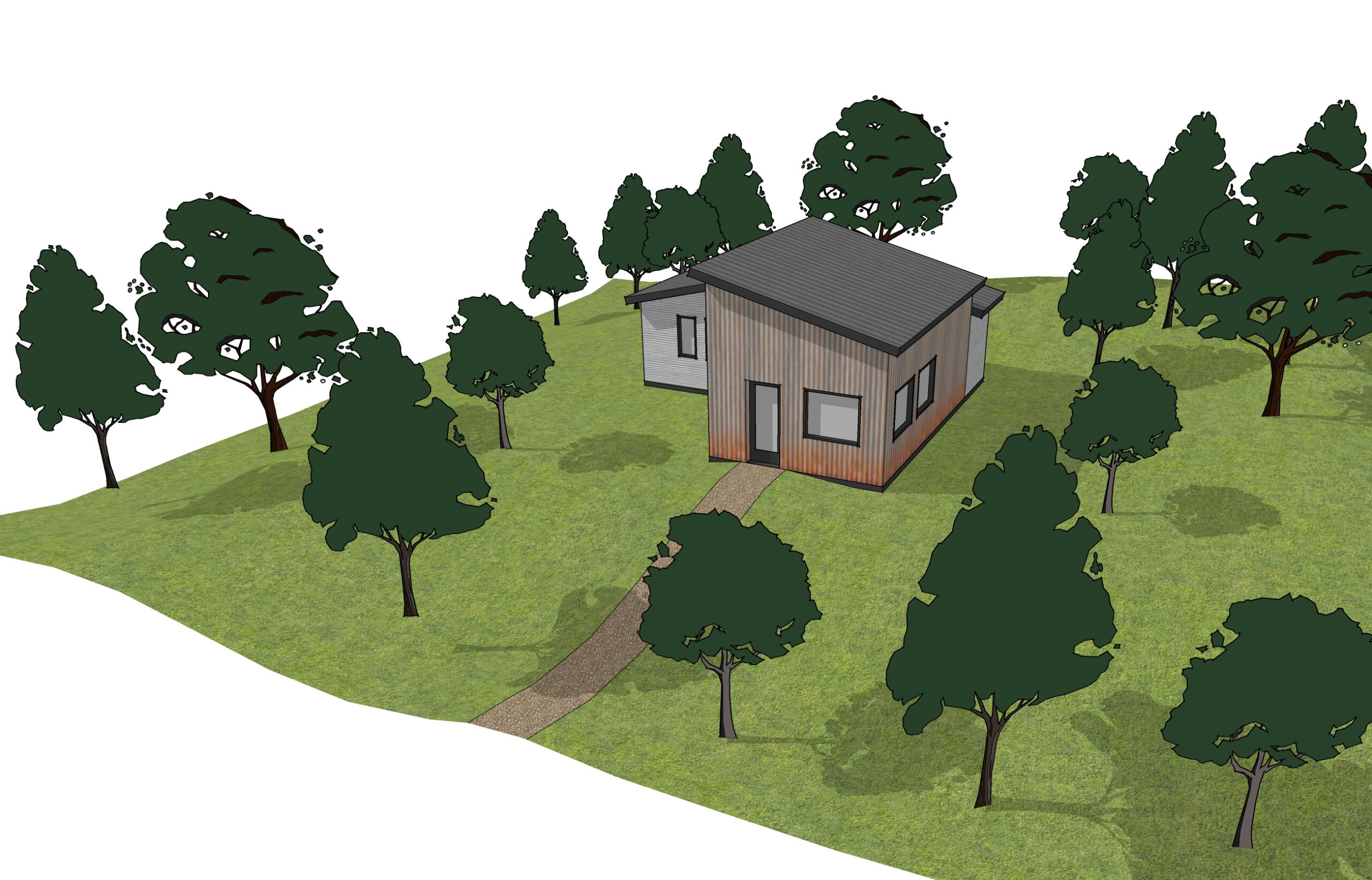
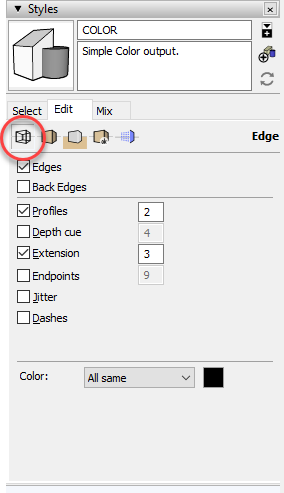
Click the arrows to toggle through the Style Edit sub-tabs...
SKETCH Style
The COLOR style is perfect for perspectives and color presentations. Below are the settings for the COLOR style.
Click the arrows to toggle through the Style Edit sub-tabs...
Heads Up! Many style properties are available in the menu dropdowns at the top of your screen. Keep in mind that you can change a style's properties without being in the Styles browser. While it's possible to change the properties, you must click the update button in the Styles browser to save them.
Style Collections
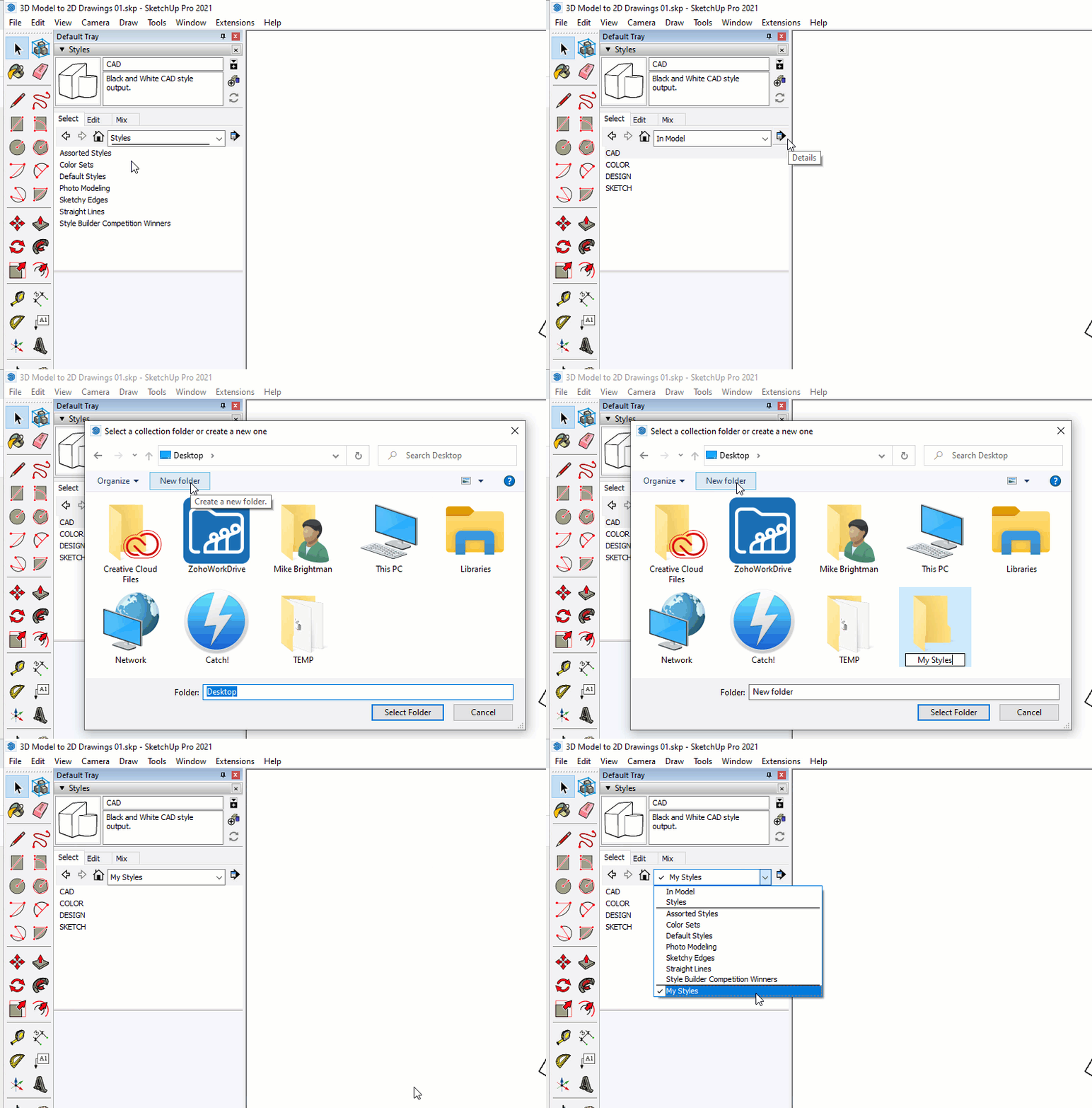
After you have created some styles, you can save them to a new library by following these steps...
- Click on the "In Model" house icon to see the styles that are in your model.
- Click on the context arrow and choose "Save collection as...".
- Navigate to your Desktop, create a new folder called "My Styles" and open it.
- Click "Open" to save all styles from your model to this new folder. You will now see "My Styles" in the Styles browser dropdown menu.
Dig Deeper! Read more about professional SketchUp Workflow styles collections on page 149 of "The SketchUp Workflow for Architecture".